This article is originally from my blog post. I put this article to demonstrate how you can write blog posts/articles using AstroPaper theme.
这篇文章原本来自我的 博客文章。我放这篇文章来演示你如何使用 AstroPaper 主题写博客帖子/文章。
My experience about developing my first portfolio website and a blog using NextJS and a headless CMS.
我关于使用 NextJS 和无头 CMS 开发我的第一个作品集网站和博客的经验。
Motivation
动机
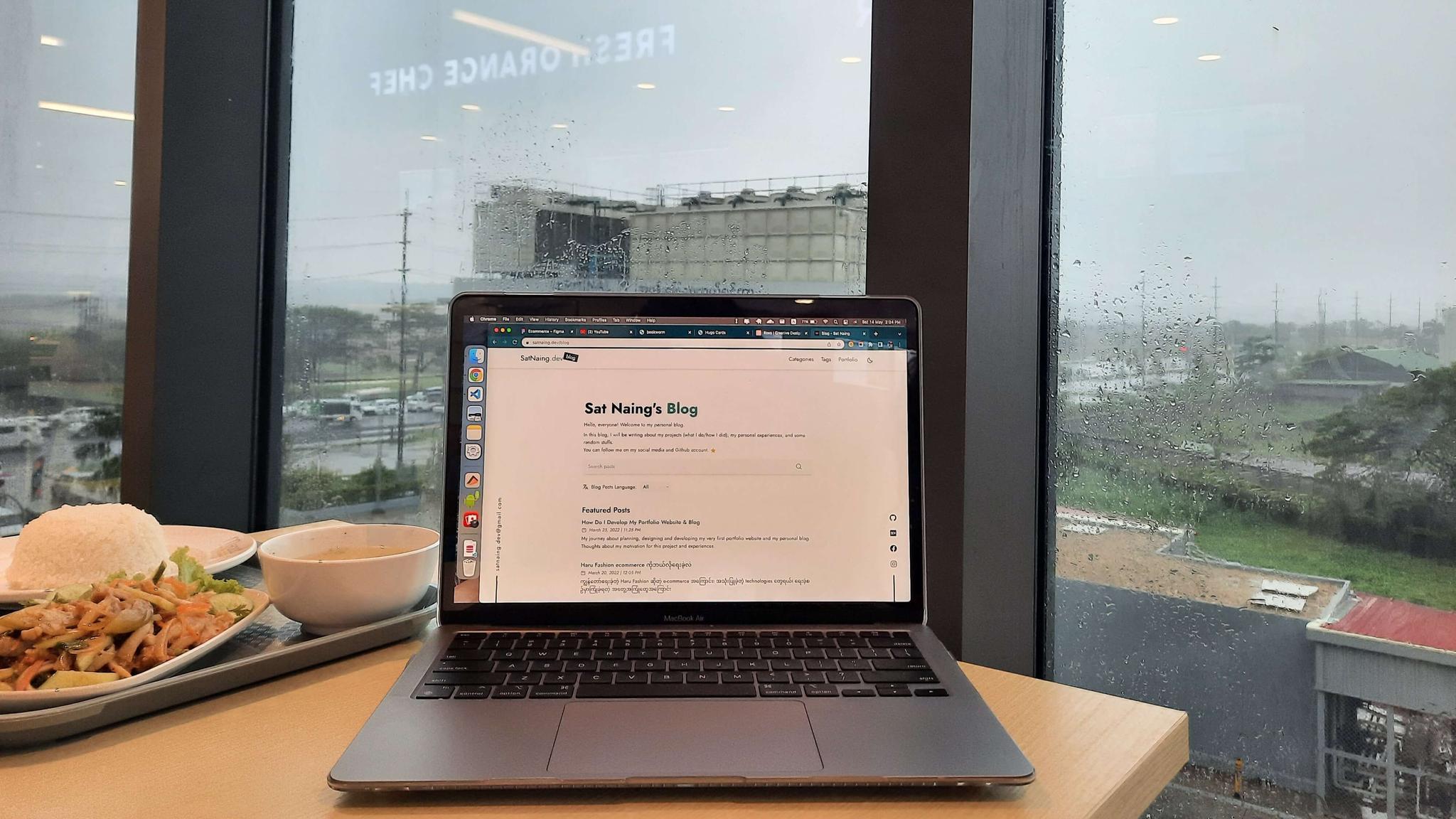
I’ve been always thinking about launching my own website with my custom domain name (satnaing.dev) since my college student life. But that never happened until this project. I’ve done several projects and works about web application development but I didn’t make an effort to do this.
从我的大学生生活开始,我就一直在考虑用我的自定义域名(satnaing.dev)启动我自己的网站。但直到这个项目才实现。我做过几个关于 Web 应用程序开发的项目和工作,但我没有努力去做这件事。
So, “what about blog?” you may ask. Yeah, blog also has been in my project list for some time. I always wanted to make a blog project using some of the latest technologies. However, I’ve been busy with my works and other projects so that blog project has never been started.
所以,“博客呢?”你可能会问。是的,博客也在我的项目列表中有一段时间了。我总是想使用一些最新的技术做一个博客项目。然而,我一直忙于我的工作和其他项目,所以博客项目从未开始。
In these days, I tend to develop my own projects with the focus in good quality rather than quantity. After the project is done, I usually put a proper readme file in the GitHub repo. But GitHub repo readme is only suitable for technical aspects (this is just my thought). I want to write down my experiences and challenges. Thus, I decided to make my own blog. Plus, at this point, I have decent experiences and confidence to develop this project.
这些天,我倾向于专注于高质量而不是数量来开发我自己的项目。项目完成后,我通常在 GitHub repo 中放一个适当的 readme 文件。但 GitHub repo readme 只适合技术方面(这只是我的想法)。我想写下我的经验和挑战。因此,我决定做我自己的博客。此外,在这一点上,我有足够的经验和信心来开发这个项目。
Tech Stack
技术栈
For the front-end, I wanted to use React. But React alone is not good enough for SEO; and I did have to consider many factors like routing, image optimization etc. So, I chose NextJS as my main front-end stack. And of course TypeScript for type checking. (It’s said that you’ll love TypeScript when you’re used to it 😉)
对于前端,我想要使用 React。但仅 React 对 SEO 来说不够好;而且我不得不考虑许多因素,如路由、图像优化等。所以,我选择了 NextJS 作为我的主要前端栈。当然还有 TypeScript 用于类型检查。(据说当你习惯它时,你会爱上 TypeScript 😉)
For styling, I use TailwindCSS. This is because I love developer experience that Tailwind gives and it has a lot of flexibilities compared to other component UI libraries like MUI or React Bootstrap.
对于样式,我使用 TailwindCSS。这是因为我喜欢 Tailwind 提供的开发者体验,并且与 MUI 或 React Bootstrap 等其他组件 UI 库相比,它有更多的灵活性。
All contents of this project reside within the GitHub repository. All my blog posts (including this one) are written in Markdown file format since I’m very used to with this. But to write Markdown along with its frontmatter effortlessly, I use Forestry headless CMS. It is a git-based CMS that can serve Markdown and other contents. Because of this, I can write my contents either using Markdown or wysiwyg editor. Besides, writing frontmatters with this is a breeze.
这个项目的所有内容都驻留在 GitHub 仓库中。我的所有博客帖子(包括这篇)都是用 Markdown 文件格式写的,因为我非常习惯这个。但为了轻松写 Markdown 及其 frontmatter,我使用 Forestry 无头 CMS。它是一个基于 git 的 CMS,可以服务 Markdown 和其他内容。因此,我可以使用 Markdown 或 wysiwyg 编辑器写我的内容。此外,用它写 frontmatters 是一件轻而易举的事。
Images and assets are uploaded and stored in Cloudinary. I connect Cloudinary via Forestry and manage them directly in the dashboard.
图像和资产上传并存储在 Cloudinary 中。我通过 Forestry 连接 Cloudinary 并直接在仪表板中管理它们。
In conclusion, these are the tech stack I’ve used for this project.
总之,这些是我为这个项目使用的技术栈。
-
Front-end: NextJS (TypeScript)
-
前端:NextJS (TypeScript)
-
Styling: TailwindCSS
-
样式:TailwindCSS
-
Animations: GSAP
-
动画:GSAP
-
CMS: Forestry Headless CMS
-
CMS:Forestry 无头 CMS
-
Deployment: Vercel
-
部署:Vercel
Features
功能
The following are certain features of my portfolio and blog
以下是我的作品集和博客的某些功能
SEO Friendly
SEO 友好
The entire project is developed with SEO focus in mind. I’ve used proper meta tags, descriptions and heading alignments. This website is now indexed by Google.
整个项目是以 SEO 为重点开发的。我使用了适当的 meta 标签、描述和标题对齐。这个网站现在被 Google 索引。
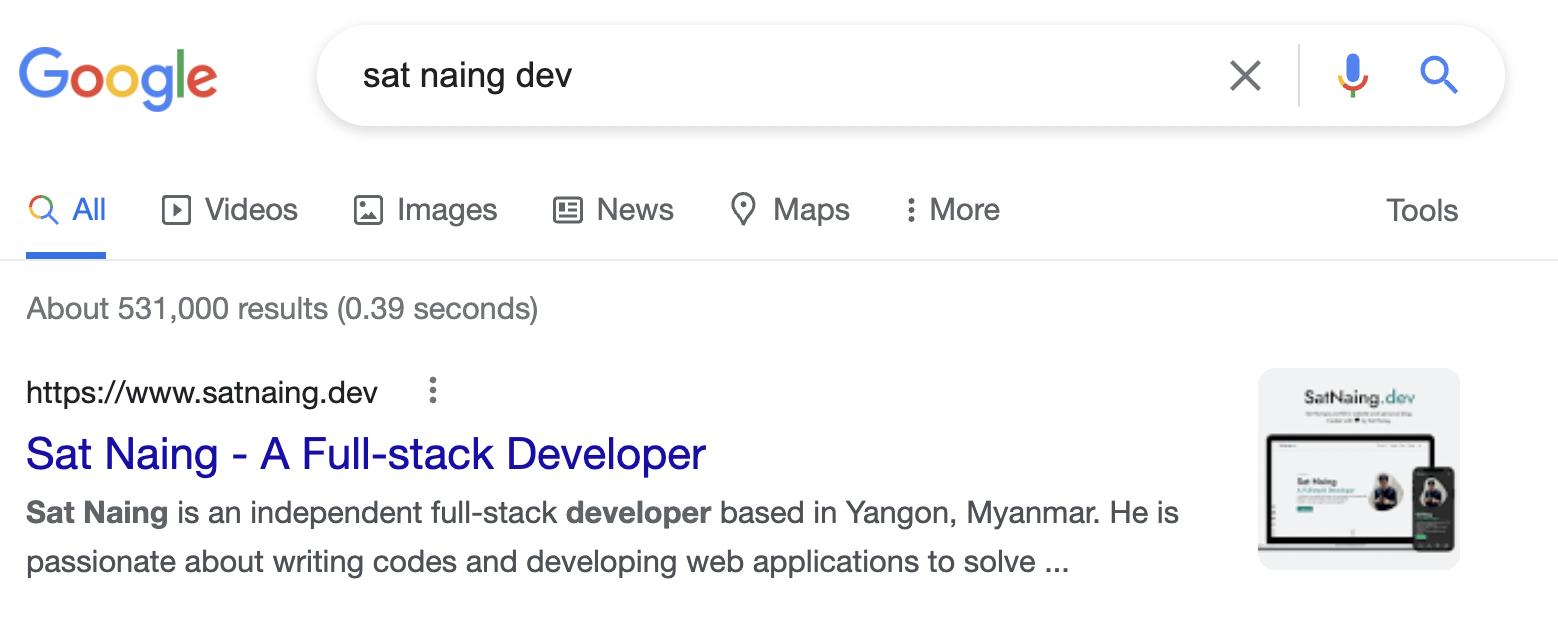
You can search this website on google by using keywords like ‘sat naing dev’
你可以使用像 ‘sat naing dev’ 这样的关键词在 Google 上搜索这个网站
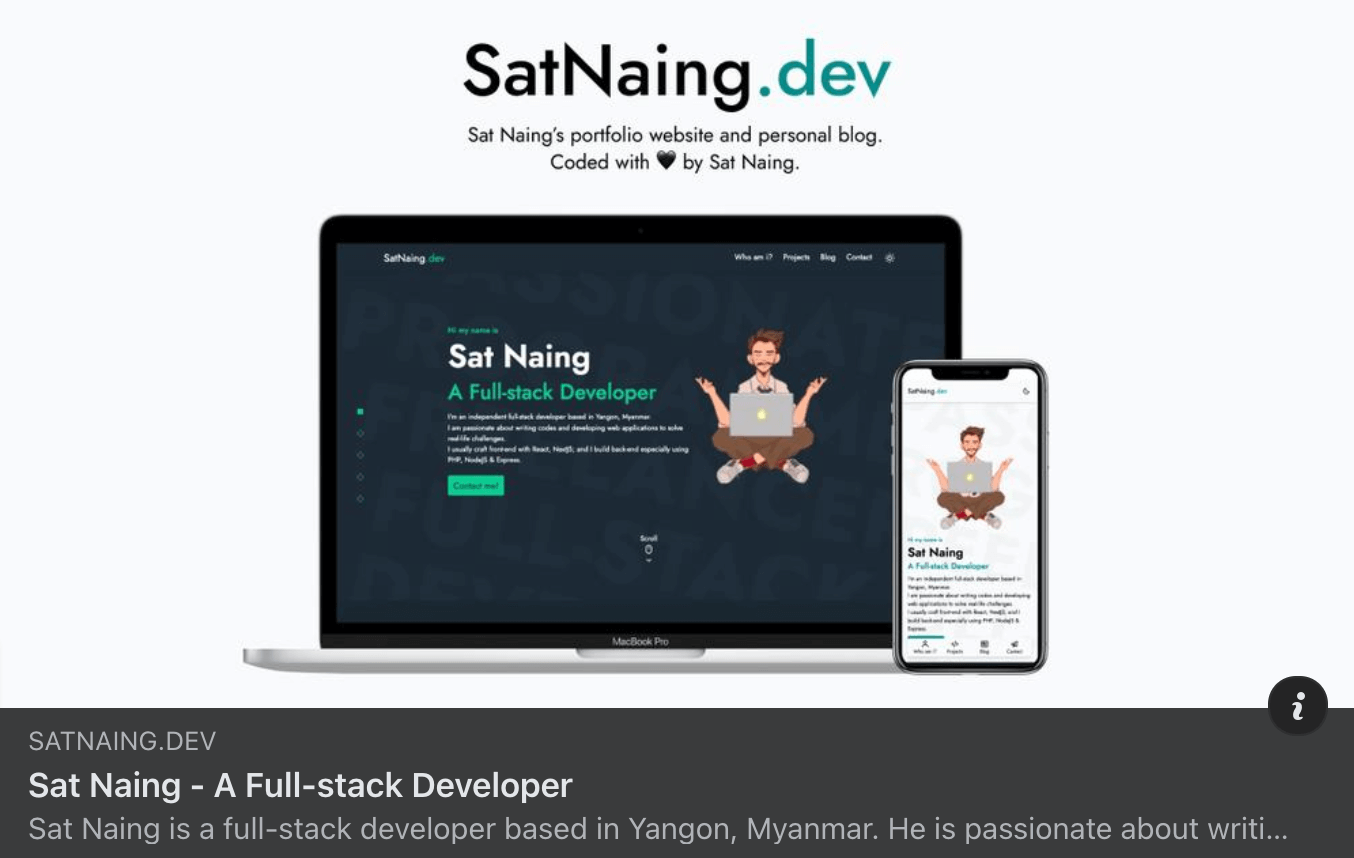
Moreover, this website will be displayed well when shared to social media due to properly used meta tags.
此外,由于正确使用了 meta 标签,这个网站在分享到社交媒体时会显示良好。
Dynamic Sitemap
动态站点地图
Sitemap plays an important part in SEO. Because of this, every single page of this site should be included in sitemap.xml. I made an auto generated sitemap in my website whenever I create a new content or tags or categories.
站点地图在 SEO 中扮演重要角色。因此,这个站点的每个页面都应该包含在 sitemap.xml 中。每当我创建新内容、标签或类别时,我在我的网站中制作了一个自动生成的站点地图。
Light & Dark Themes
亮和暗主题
Due to dark theme trend in recent years, many websites include dark theme out of the box nowadays. Certainly, my website also supports light & dark themes.
由于近年来暗主题的趋势,许多网站现在开箱即用地包含暗主题。当然,我的网站也支持亮和暗主题。
Fully Accessible
完全可访问
This website is fully accessible. You can navigate around by only using keyboard. I put all a11y enhancement best practices like including alt text in all images, no skipping headings, using semantic HTML tags, using aria-attributes properly.
这个网站是完全可访问的。你只能使用键盘导航。我放入了所有 a11y 增强最佳实践,如在所有图像中包含 alt 文本、不跳过标题、使用语义 HTML 标签、正确使用 aria-属性。
Search box, Categories & Tags
搜索框、类别和标签
All blog contents can be searched by search box. Moreover, contents can be filtered by categories and tags. In this way, blog readers can search and read what they really want.
所有博客内容都可以通过搜索框搜索。此外,内容可以按类别和标签过滤。这样,博客读者可以搜索和阅读他们真正想要的内容。
Performance and Lighthouse Score
性能和 Lighthouse 分数
This website got very good performance and lighthouse score thanks to proper development and best practices. Here’s the lighthouse score for this website.
这个网站由于适当的开发和最佳实践获得了非常好的性能和 lighthouse 分数。这是这个网站的 lighthouse 分数。

Animations
动画
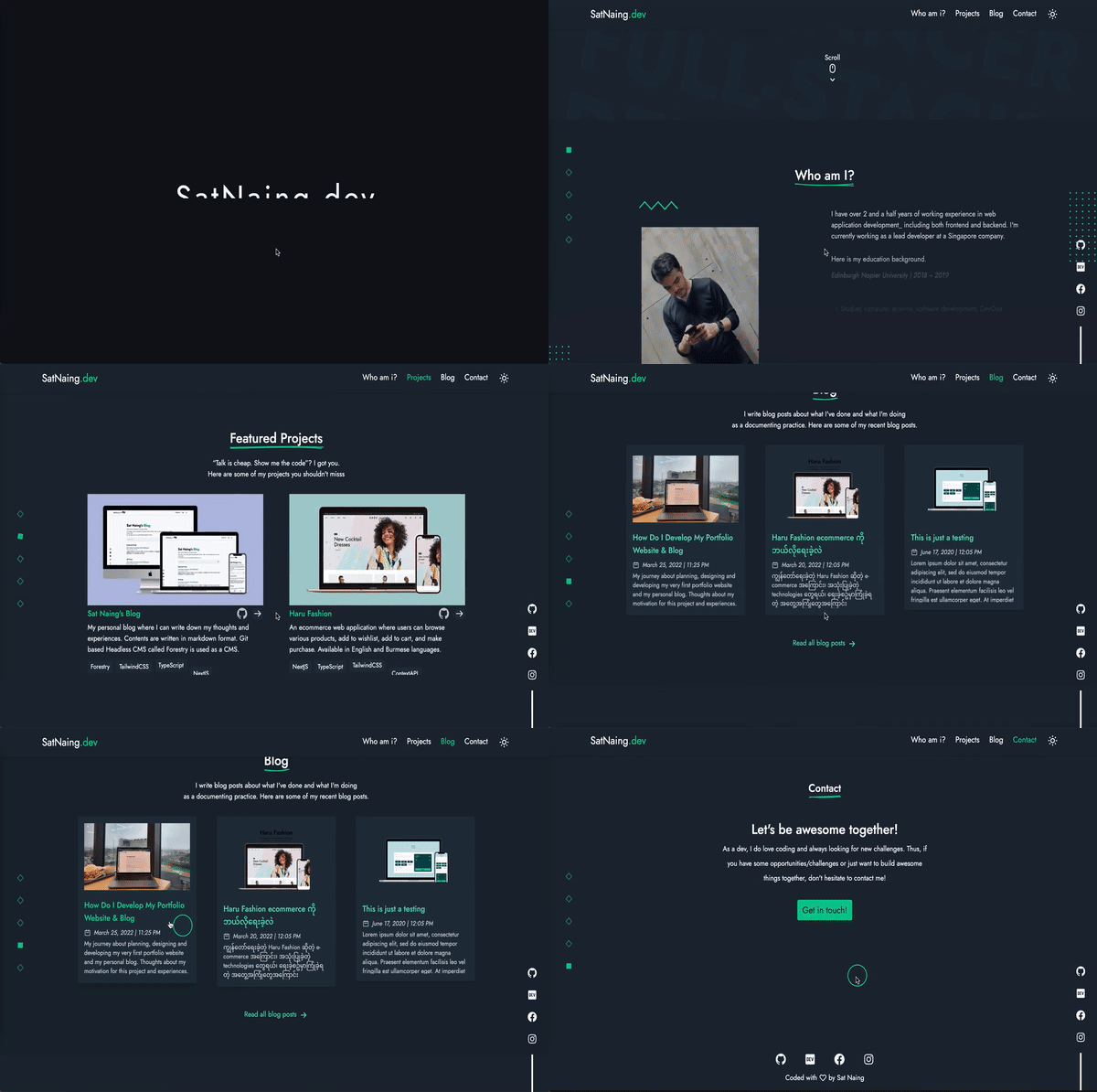
Initially I used Framer Motion to add animations and micro interactions for this website. However, when I tried to use some complex animations and parallax effects, I found it inconvenient to integrate with Framer Motion (Maybe I’m not very good at and used to working with it). Hence, I decided to use GSAP for all of my animations. It is one of the most popular animation library and it is capable of doing complex and advanced animations. You can see animations and micro interactions on pretty much every page of this website.
最初我使用 Framer Motion 为这个网站添加动画和微交互。然而,当我尝试使用一些复杂的动画和视差效果时,我发现与 Framer Motion 集成不方便(也许我不太擅长和习惯使用它)。因此,我决定使用 GSAP 来做我所有的动画。它是最受欢迎的动画库之一,能够做复杂和高级的动画。你可以在这个网站的几乎每个页面上看到动画和微交互。
Outro
结尾
In conclusion, this project gives me a lot of experience and confidence about developing blog site (SSG). Now, I have gained knowledge of git-based CMS and how it interacts with NextJS. I’ve also learned about SEO, dynamic sitemap generation and indexing Google procedures. I will make better projects in the future. So, stay tuned! ✌🏻
总之,这个项目给了我很多关于开发博客站点(SSG)的经验和信心。现在,我获得了基于 git 的 CMS 的知识以及它如何与 NextJS 交互。我还学习了 SEO、动态站点地图生成和索引 Google 的程序。我将来会做更好的项目。所以,敬请期待!✌🏻
And… last but not least, I would like to say ‘thanks’ to my friend Swann Fevian Kyaw (@ToonHa) who has drawn a beautiful illustration for my hero section of the website.
而且……最后但并非最不重要,我要说“谢谢”我的朋友 Swann Fevian Kyaw (@ToonHa),他为我的网站英雄部分画了一幅美丽的插图。
Project Links
项目链接